
A bookkeeper in Hillsborough County opens the bank site on a Monday morning in November and sees a banner: “Set up a passkey and skip the password.” She taps yes on her phone, and it works. Nobody asks where that passkey now lives, who else can use it, or what happens when she replaces the phone.
Passkeys are showing up on more sites every month, and many of them are pushing hard. We think they are worth understanding before your team agrees to them one banner at a time.
What a passkey changes for your team
A passkey replaces the password with a cryptographic key stored on a device or in an account, such as your phone, your laptop, or a password manager. You unlock it with a fingerprint, a face scan or a device PIN. Nothing you type can be guessed or phished the way a password can.
That is a real security gain, and the convenience is easy to see. The open question for a small business is who controls the key once it exists. With a password you decide where to write it down. With a passkey, the answer depends on the website, your phone or computer maker, and the software you use.
Who designed this, and what that means for you
Passkeys come out of the FIDO Alliance, an industry group whose members include large technology companies, banks, government bodies and some nonprofits. Those members each have their own reasons to want a standard like this, mostly around reducing fraud and liability. We are not saying those reasons are bad. We are saying that a standard built by that group will reflect their priorities, and small-business owners were not in the room.
The practical concern is that a site can, over time, decide which devices or software it will accept your passkey from. If your passkey lives in one company’s ecosystem, moving to another can get harder. Check how this works for each account that matters rather than assuming it is flexible.
Where AI fits, and where it does not
An AI assistant is good at the tedious part of this. Give it a list of the accounts your business uses (no passwords, just site names) and it can draft a checklist: which ones offer passkeys, what each one asks for when you lose a device, and what the team should check before switching. It can also turn the result into a one-page plain-language note for staff.
It should not hold your credentials, approve a switch, or decide which accounts get passkeys. Bank, payroll, email and domain accounts touch money and commitments, so a person decides on each one. The assistant drafts and organizes. The owner or office manager signs off.
If you want a team to learn to use an assistant that way, our AI cowork training is built around small recurring jobs like this one.
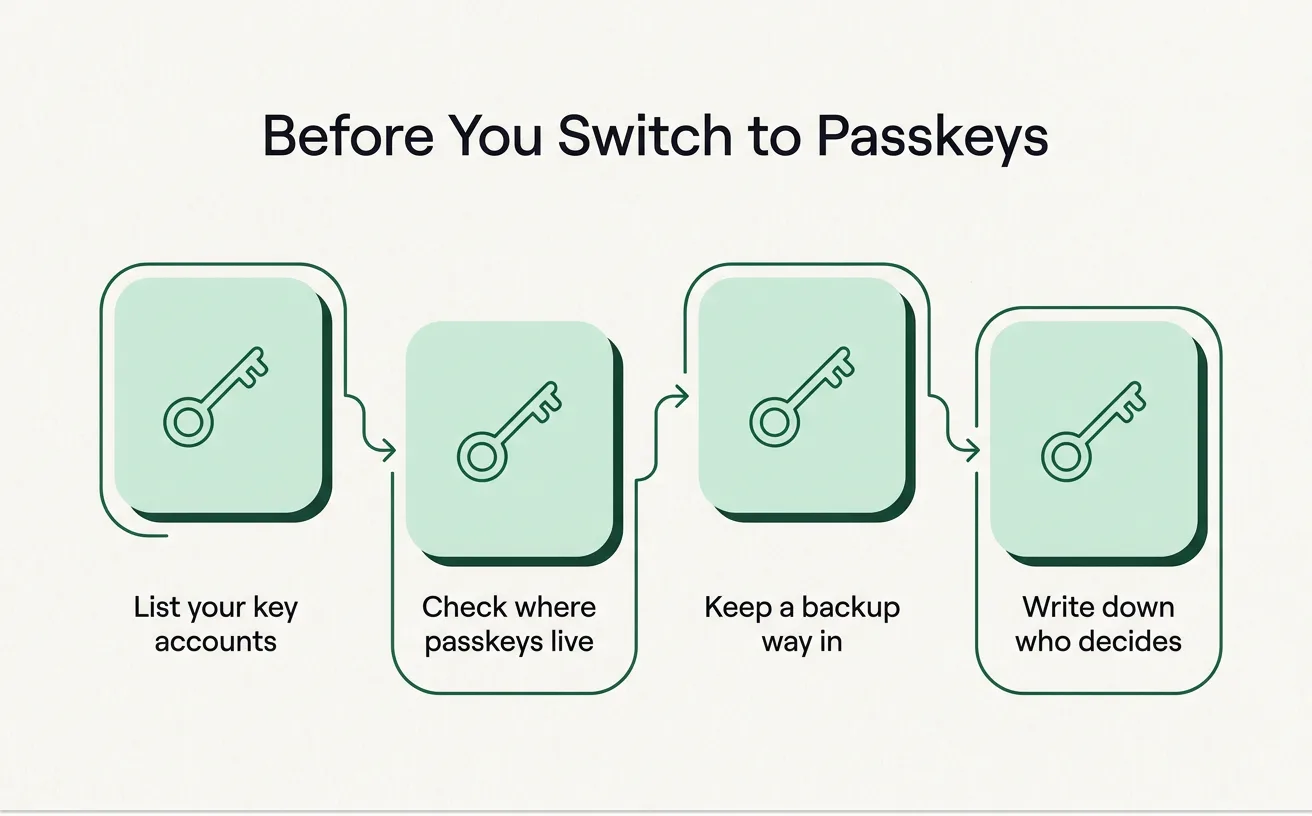
Four questions to answer before anyone taps “yes”
- Where does the passkey live? On one phone, in a password manager, or in a cloud account owned by a device maker?
- What if the phone is lost or replaced? Some sites let you recover easily and some do not. Find out before you need it.
- Can a second person get in? If your bookkeeper is out for a week in February, can the owner reach the bank? Shared business accounts need a plan, and passkeys tied to one person’s phone make that harder.
- Is there a backup way in? A physical security key, a recovery code kept in a locked drawer, or a second registered device all count.
A small table can keep the answers in one place:
| Account | Passkey offered? | Where it lives | Backup way in | Who decides |
|---|---|---|---|---|
| Bank | Owner | |||
| Payroll | Owner | |||
| Email and domain | Owner | |||
| Everything else | Office manager |
The AI can fill in the first draft from each site’s help pages. Someone on your team should check the entries against the live account settings, since help pages go out of date.
Say it once, in writing
Most trouble with new login methods comes from each person making a private choice. One employee puts a passkey on a personal phone, another on a shared office computer, and a third keeps using the password. When someone leaves, nobody knows which accounts they could still reach.
A short written rule solves most of it. Say which accounts use passkeys, on which devices, and who holds the backup. Our post on a one-page AI policy uses the same approach: one page, plain words, kept where people will see it.
This is also part of mapping any job before you change it. If you want to see how we do that, the workflow mapping tool shows what we ask on a discovery call.
A narrow first job for this week
Pick your three most important accounts: the bank, payroll and your email or domain registrar. Ask an AI assistant to help you build the five-column table above, using only the site names. Then sit down with the owner and check each row against the account’s actual security settings.
Do not switch anything yet. Once the table is filled in, you will know which accounts are safe to move to passkeys and which need a backup plan first.
If you would like help with that, book a planning call and we will go through it together in 30 minutes, free.